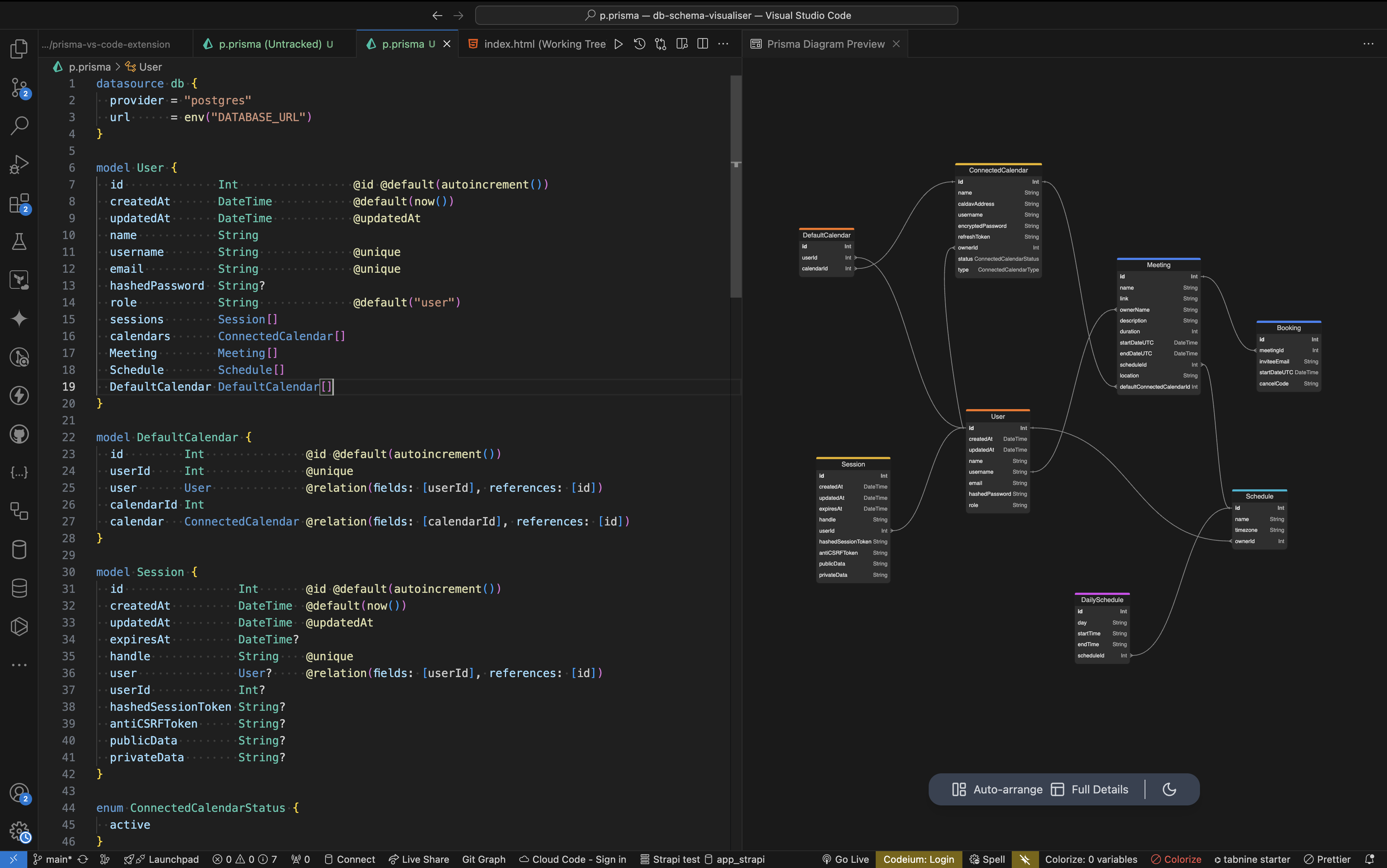
Preview DBML code from Vscode
A full-stack JavaScript developer. Using tools like React/Next and Nest to build project that make something better. My slogan is : I help build the tools of tomorrow.
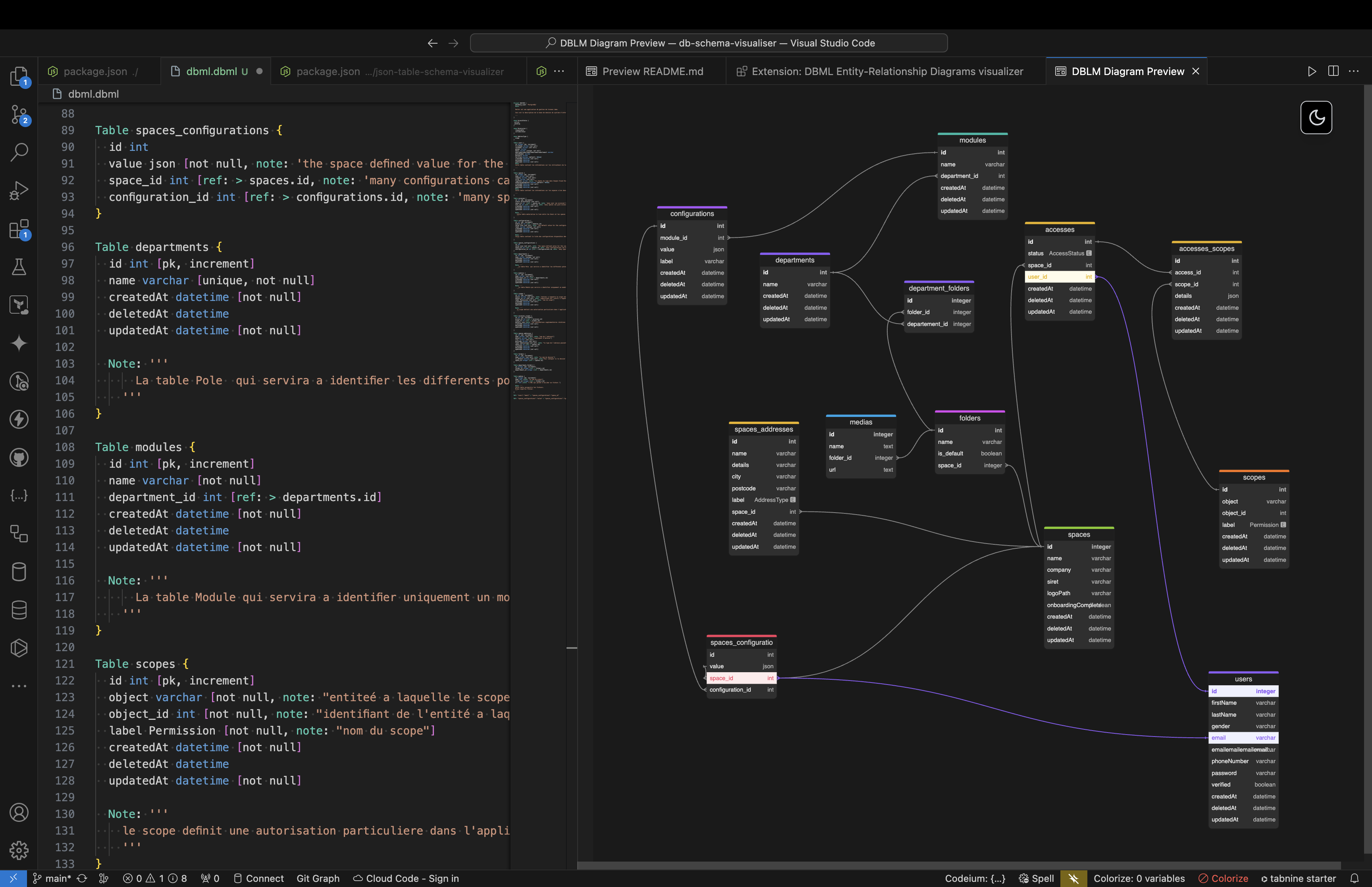
If you're a dbdocs or dbdiagram user, you've probably written DBML code from your editor (Vs code ). This extension enhances your experience by allowing you to view your DBML code in an ERD ( Entity Relation Diagram ) from your editor.
How does it work?
Install the extension
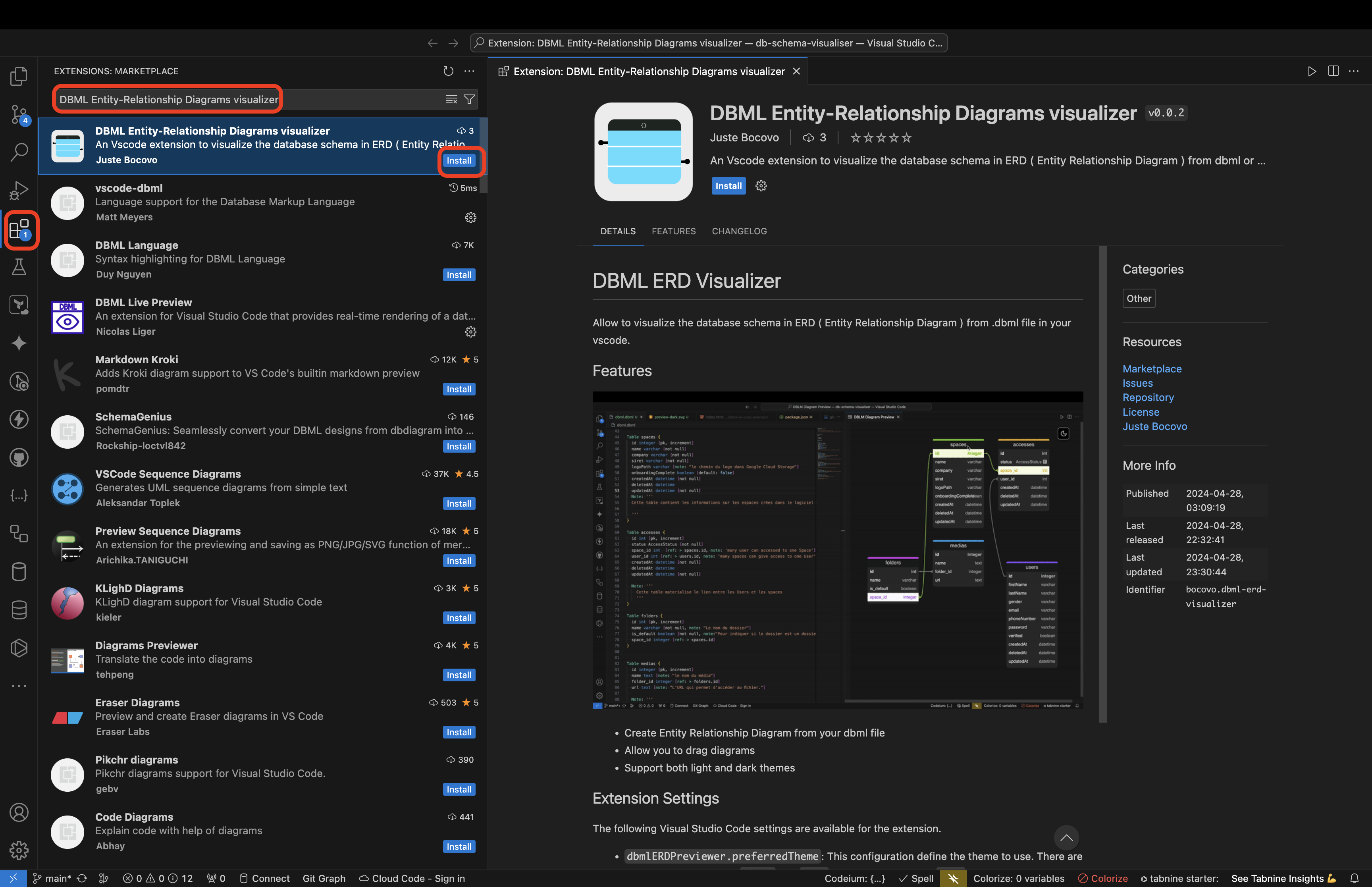
Go to the extensions tab in your editor, search for DBML Entity-Relationship Diagrams visualizer and install it.
Write your DBML code
In your workspace, create a file with the .dbml extension and write your DBML code in it ( code example below )
Table users {
  id integer
  username varchar
}

Table posts {
  id integer [primary key]
  title varchar
  body text [note: 'Content of the post']
  user_id integer
}

Ref: posts.user_id > users.id // many-to-one
Preview ERD
When you're in a .dbml file, you'll see a preview icon in the top right-hand corner of the editor's title bar.
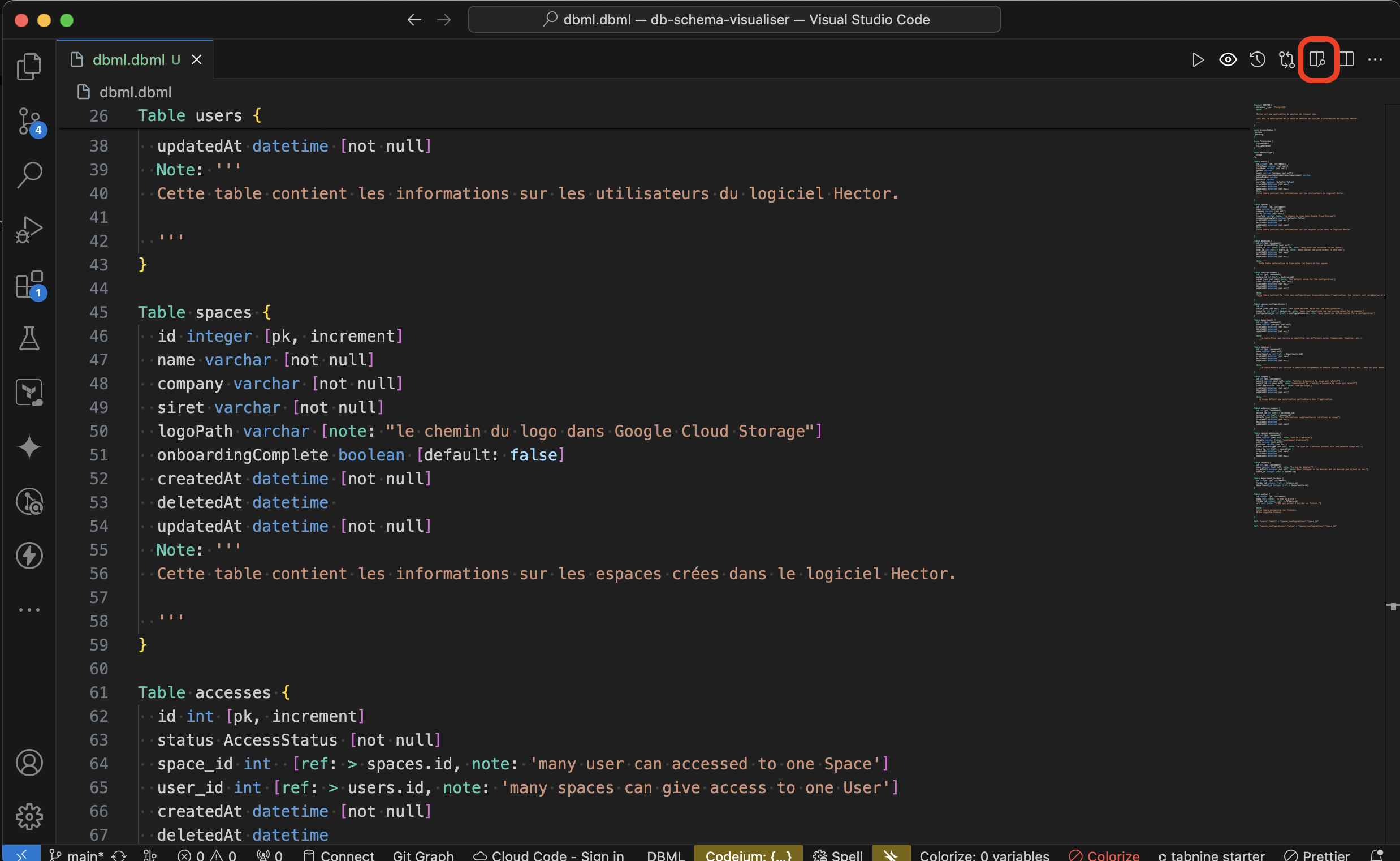
When you click on this button, a new tab opens on the side displaying the preview.
You can move tables, zoom in on the scene and even move around within it.
Support the project
Enjoy