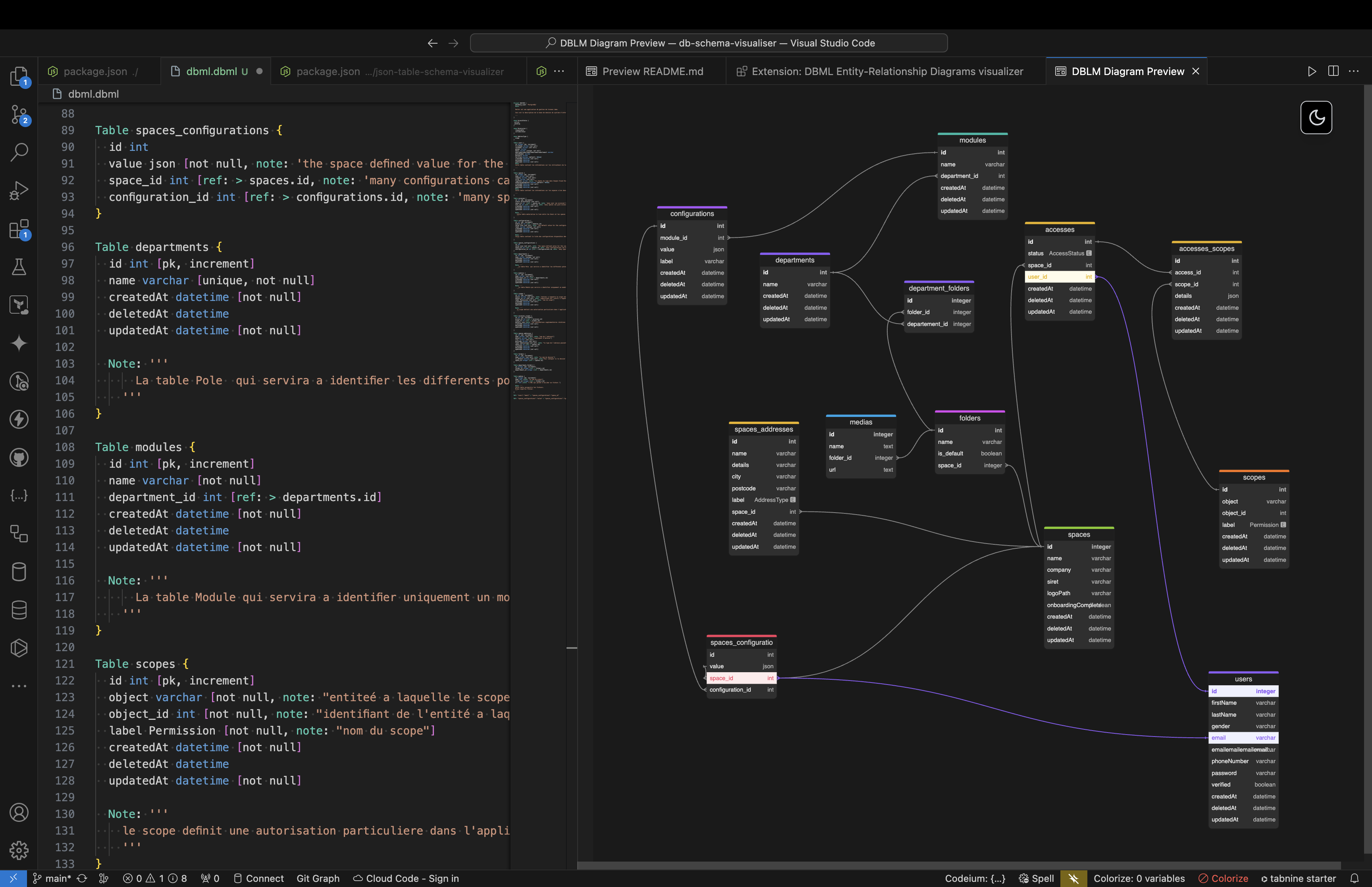
Visualize the entity relationship diagram from Prisma code in the VsCode editor
A full-stack JavaScript developer. Using tools like React/Next and Nest to build project that make something better. My slogan is : I help build the tools of tomorrow.
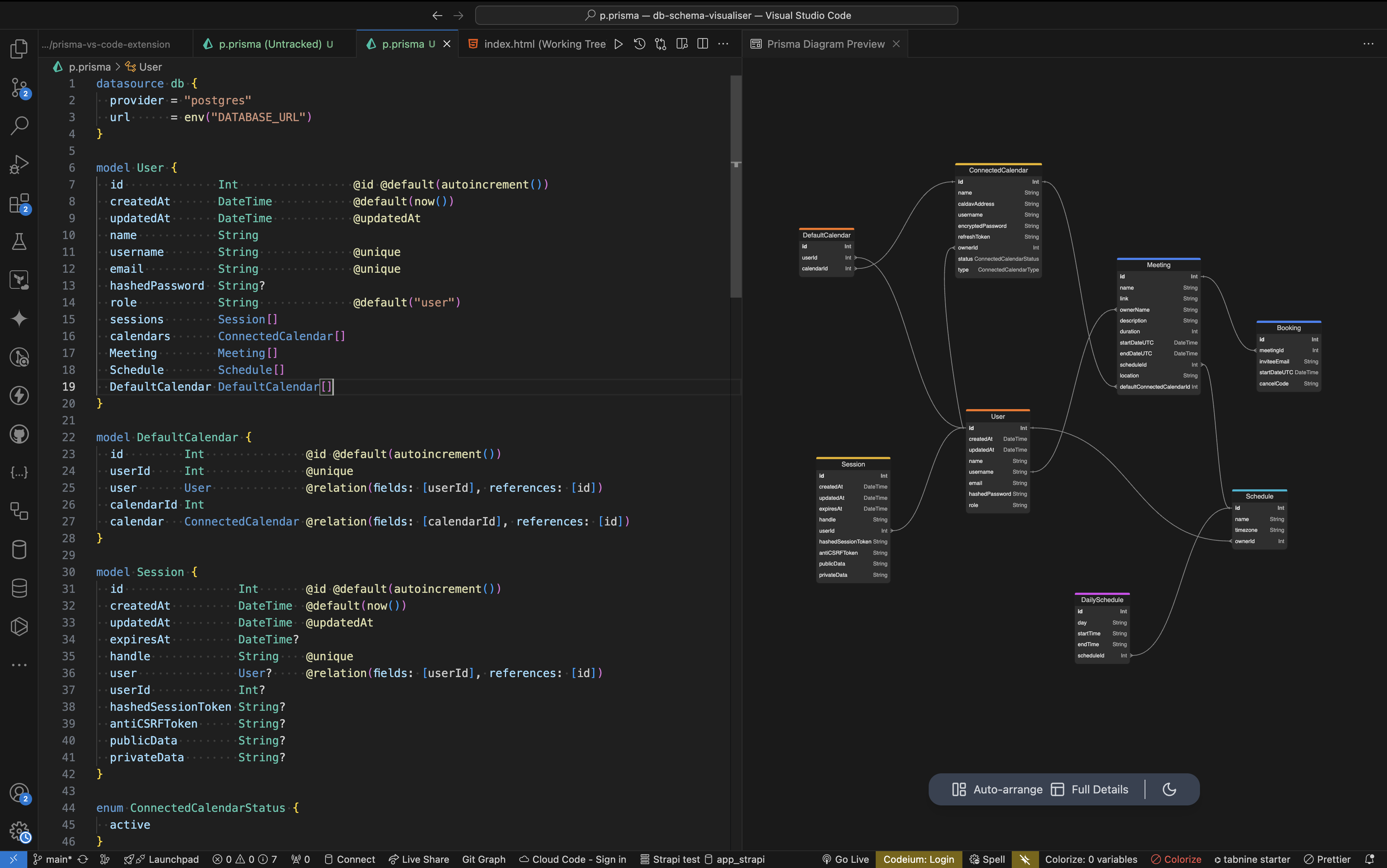
If you are a Prisma user, I have great news for you. This about a VsCode extension that let you visualize your Prisma code in ERD directly in your VsCode Editor. That give you more readability of your database schema.
The extension has some interesting features. First it let you use the right theme according to your theme preference, you have the light and dark mode. You can also drag your table in the diagram, to reorganize as you want. Zooming is also supported. Another interesting feature is, you can hide columns, showing all columns, only relational columns, or only the table's name ( Let's thank the contributors for adding this feature ).
So, stop talking and let's see how to use it.
Get started
Let's dive in and show how to use it.
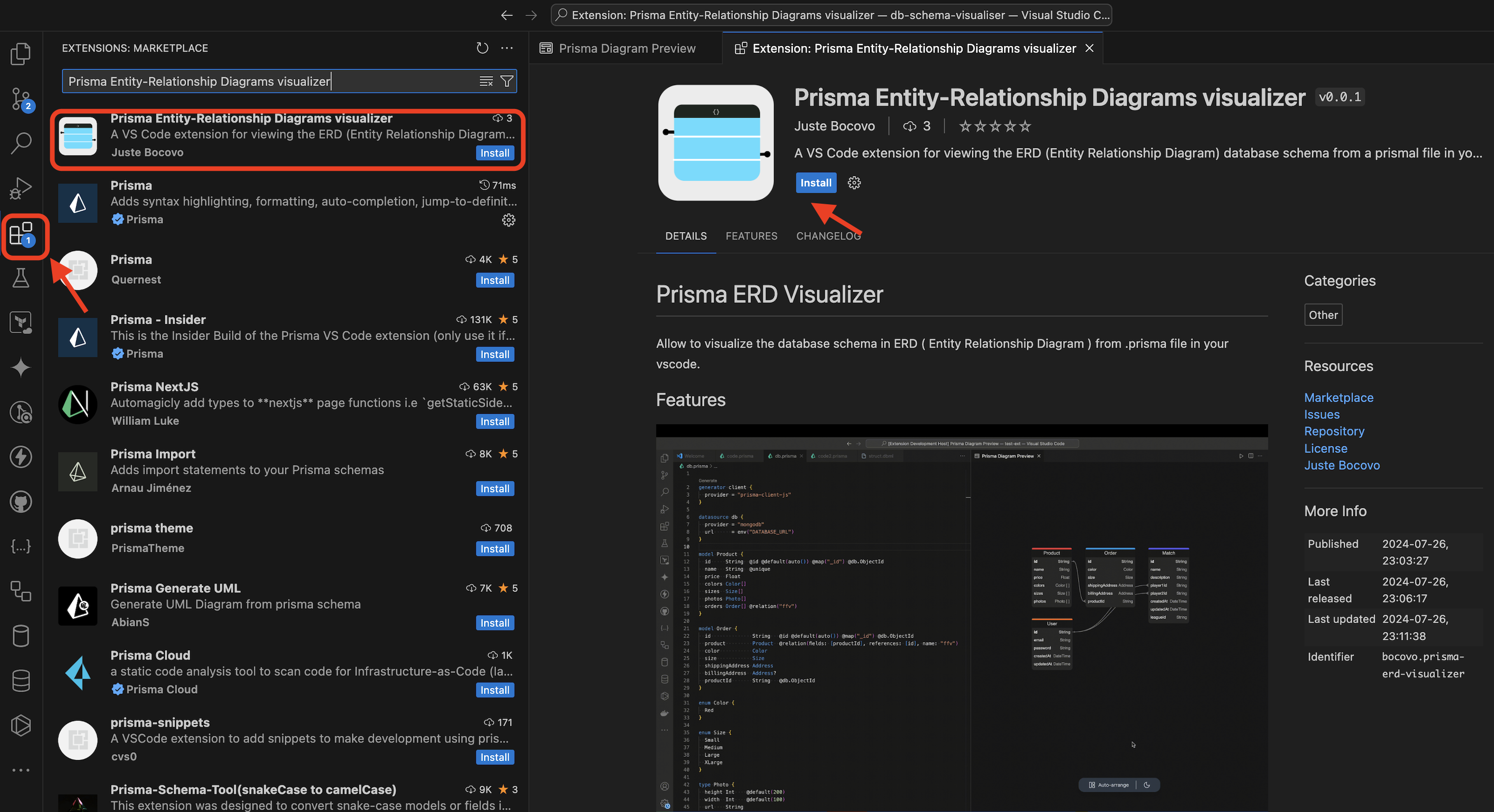
First install the extension
From your VsCode in the extension tab, search for this Prisma Entity-Relationship Diagrams visualizer. Install the first item int the result. How can follow the screenshot below to identify the good item.
Getting some Prisma code to preview
In your workspace, create a Prisma file ( if you already have one good, let's use it ).
You can name your file as you want, but its extension must be
.prismaso that the extension can be activated by VsCode.
Here is an example of Prima code
datasource db {
  provider = "sqlite"
  url      = env("DATABASE_URL")
}

generator client {
  provider      = "prisma-client-js"
  binaryTargets = "native"
}

model Post {
  id        Int      @id @default(autoincrement())
  title     String
  body      String
  createdAt DateTime @default(now())
}

model User {
  id                  Int       @id @default(autoincrement())
  firstName           String
  lastName            String
  verified            Boolean   @default(false)
  email               String    @unique
  hashedPassword      String
  salt                String
  resetToken          String?
  resetTokenExpiresAt DateTime?
}
Opening the preview
He got the extension, we got the file, let preview the ERD guys.
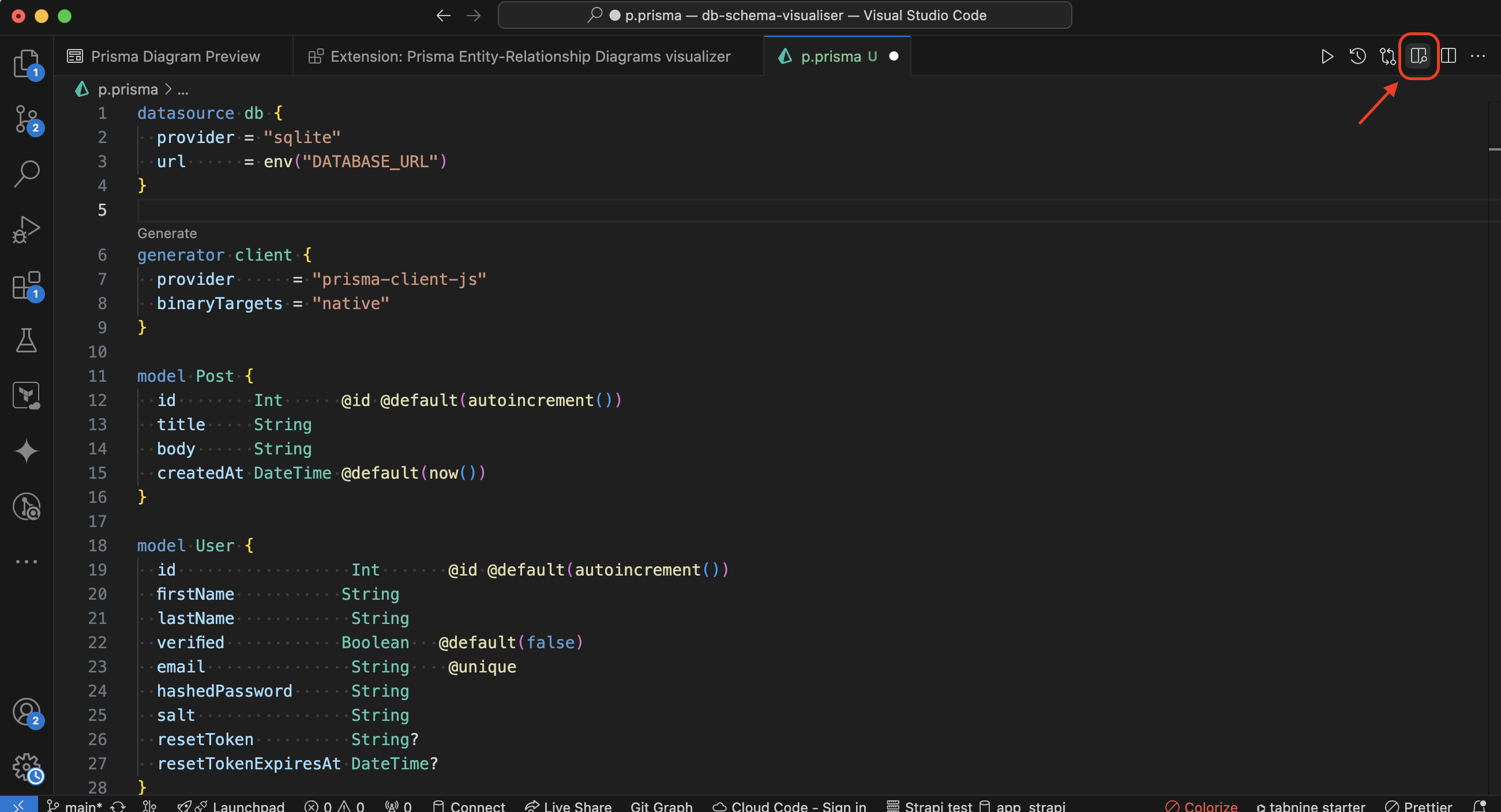
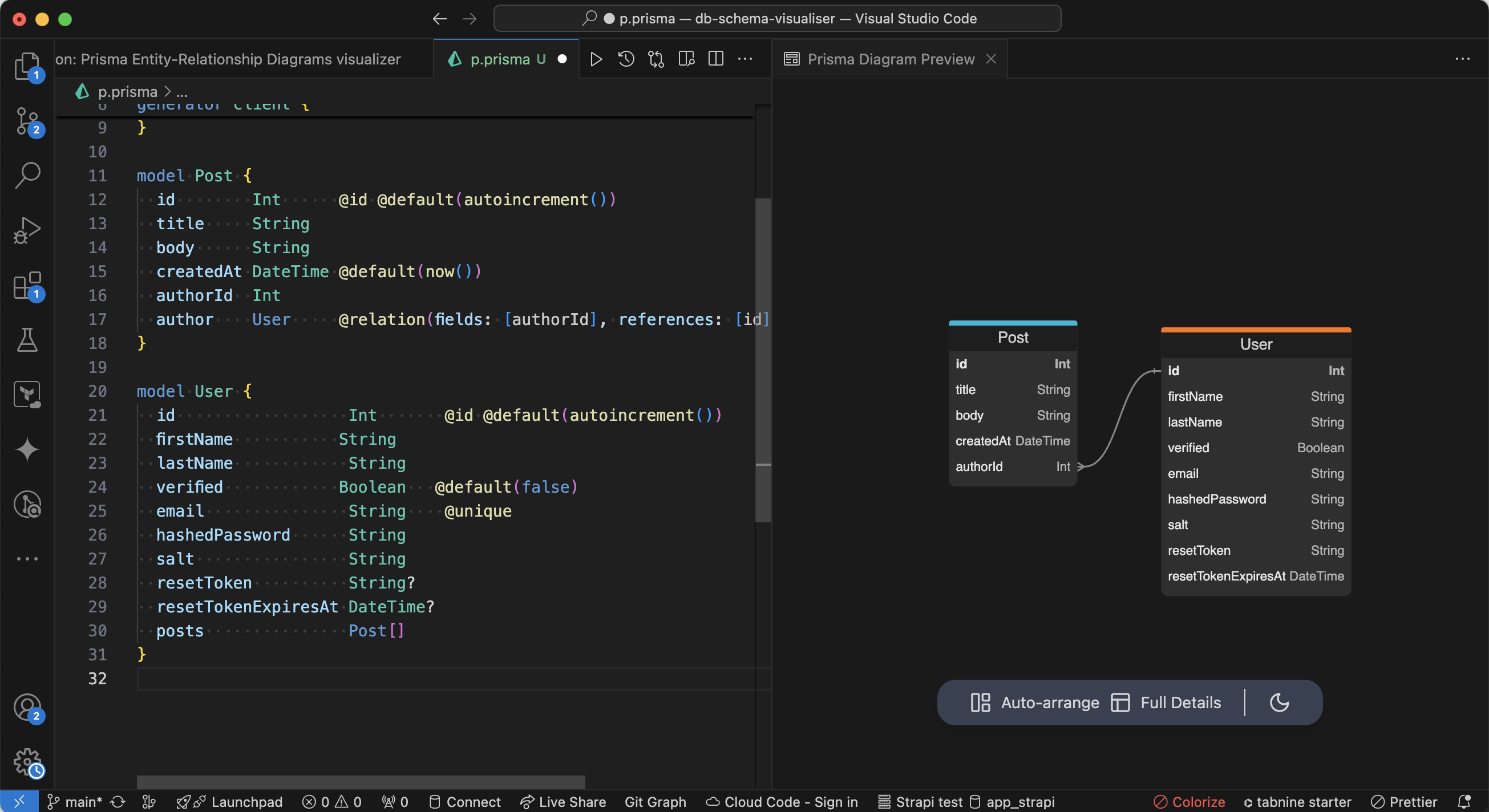
When you are in a file with the .prisma extension, you'll see a preview icon in the top right-hand corner of the editor's title bar. Click on it.
And you got this
That is all, thank you for reading.